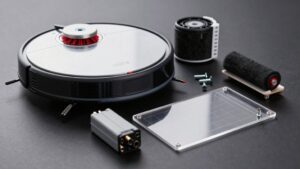
Roomba Filter Compatibility Chart by Series
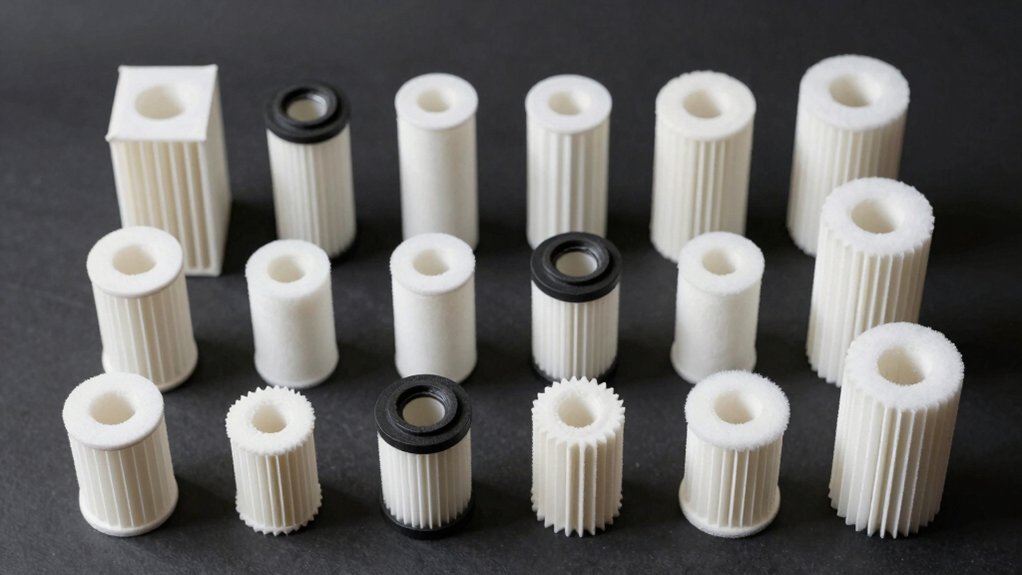
You need the exact Roomba series and part number to pick the right filter, so start by checking your model (on the base or under the bin).
Use HEPA filters marked for e, i, or j Series for 7j+ and Combo models; don’t substitute Model 3 filters.
500/600 use AeroVac, while 800/900 use AeroForce styles. Wrong filters won’t seal or will reduce suction.
Keep going for model-specific part numbers, fit tips, and buying links.
Quick Overview
- Match filter part number and series designation (e, i, j): look beyond size or appearance.
- 7j+ uses HEPA filters made for Roomba e, i, and j Series. Do not use Roomba 3-series filters.
- 900-series requires AeroForce high-efficiency filters; 500/600-series use AeroVac filters for AeroVac bins.
Incorrect or non-matching filters won’t seat or seal properly, reducing suction and filtration. Verify compatibility by checking the robot model on the base, product part number, and explicit series listing.
Quick Answer: Which Roomba Filter Fits My Model?
Wondering which filter fits your Roomba 7j+? You need the HEPA filter specified for Roomba e, i, and j Series dustbins; not the Roomba 3 model filters. For clear Roomba compatibility, always match the part number to the e/i/j Series designation so the filter seats and seals correctly.
Using a Roomba 3 filter on a 7j+ can prevent proper sealing, reduce suction, and cause an improper fit in the bin area. Therefore, don’t substitute based on size alone. For filter replacement, follow the model-specific cadence recommended for e, i, and j Series HEPA filters. Age alone doesn’t determine when to swap it out.
When buying replacements, verify the listing explicitly states e, i, and j Series or lists compatibility with the 7j+. That ensures optimal performance, proper sealing, and maintained suction, keeping your vacuum working as intended without guesswork.
E, I, J Series Filter Compatibility (Including 7j+ and Combo)
If you followed the quick answer on the 7j+, here’s what to know about e, i, and j Series filters: the HEPA filter used by the 7j+ is purpose-made for Roomba e, i, and j models (and the Combo i5/j5 Series). You must match the part number and series designation rather than relying on size or look. 3-series filters won’t sit or seal properly; they will reduce suction.
You should use only filters listed for the e, i, or j Series (including the 7j+ HEPA) because compatibility limitations exist between these and older or different-series parts. The 7j+ HEPA is compatible with Roomba e, i, j, and Combo i5/j5 but not with Combo j7+/j9+. Always confirm model-specific fit by checking the exact part number and series designation. Incorrect filters compromise sealing and suction.
This guidance ensures proper performance and avoids wasted purchases or motor strain from reduced airflow due to poor sealing.
800, 900, 600, 500 Series Filters : Model-by-Model Fits
How do you know which AeroVac or AeroForce filter fits your Roomba? Start by checking the model-by-model chart: Roomba 900 series uses the AeroForce high-efficiency filter (captures 99% of allergens and particles down to 10 microns), while 500 and 600 series use AeroVac filters when paired with an AeroVac bin.
The AeroVac Filter 3-Pack explicitly fits 500-series models 530, 531(01), 531(02), 533, 534, 536, 541, 545, 585, and 595. It also fits all 600-series robots equipped with an AeroVac bin.
You should perform compatibility testing mentally; confirm model number and bin type before buying to avoid poor sealing and suction loss from a wrong fit.
Consider current vs. future filtration needs: choose AeroForce for higher allergen capture if you plan to upgrade robots or prioritize air quality. Use the chart as your definitive reference for model-specific fits and avoid assuming interchangeability between series.
Why Correct Filters Matter and Signs You Need Replacement
Why does the right filter matter? You rely on proper sealing and correct part numbers to keep filtration effective. Using the wrong filter causes fit issues in the bin area, reduces suction efficiency, and shortens filter longevity. The 7j+ HEPA is built for Roomba e, i, and j series. Model 3 filters won’t seat correctly; therefore, compatibility matters for performance.
Signs you may need a replacement include:
- Degraded suction during cleaning despite a clear bin.
- Visible dirt buildup on the filter or in the bin area.
- Misalignment or poor fit after installation.
- Shorter-than-expected filter longevity or rapid clogging.
If you see these signs, perform suction troubleshooting: check seal, re-seat the filter, and inspect for visible damage.
Even if the unit’s new, stick to a regular replacement cadence to maintain filtration efficacy. Matching the correct genuine part number to your e, i, or j series ensures optimal filtration and avoids recurring performance issues.
How to Find Your Roomba Model and Buy the Right Genuine Filter
Wondering which Roomba you own? Check the model name or number printed on the robot’s base or under the dust bin. Use that model identification to compare compatibility notes: 7j+ filters fit Roomba e, i, and j Series (including j5 and related models) but not Model 3 filters or Combo units like j7+/j9+ with different bin designs.
Next, confirm genuine filter selection. Look for HEPA or AeroForce High-Efficiency filters labeled for e, i, or j Series with the 7j+ designation. Verify part numbers on the product page and ensure the listing explicitly names your exact series and 7j+ compatibility. Avoid substituting Model 3 filters for 7j+; incompatible shapes and sizes cause poor sealing and reduced suction.
If the product page is unclear, consult iRobot support or the retailer before buying. Doing precise model identification and choosing the correct genuine filter selection protects performance and maintains proper sealing and suction.
Frequently Asked Questions
Can I Wash Roomba HEPA Filters and Reuse Them?
No, you shouldn’t wash Roomba HEPA filters and reuse them. Water damages the filter media and reduces canister efficiency. You should tap or gently vacuum loose debris for basic filtration maintenance between replacements.
Replace HEPA filters per your model’s schedule (usually every 2–6 months) to keep allergens trapped and suction effective. Proper disposal and timely replacement preserve filtration performance and protect your vacuum’s motor and indoor air quality.
Do HEPA Filters Affect Roomba Battery Life?
Not directly; clogged or poor filters make your Roomba work harder, which can reduce recharge efficiency and shorten battery runtime. You’ll see filtration tradeoffs: denser HEPA filters capture more particles but can restrict airflow, increasing motor load and energy use. Lighter filters boost runtime but reduce capture.
Clean or replace filters on schedule to keep airflow optimal. This will preserve recharge efficiency and avoid unnecessary battery strain from increased workload.
Are Washable Foam Filters Compatible With HEPA Housings?
No, washable foam filters aren’t directly HEPA compatible. You’ll avoid true HEPA performance if you swap washable foam for a certified HEPA element because washable foam doesn’t meet HEPA filtration standards.
You can physically fit some foam inserts into HEPA housings; however, you’ll lose particle capture efficiency and allergen control. For HEPA compatibility, use manufacturer-approved HEPA cartridges or certified replacements. Reserve washable foam for pre-filtering and easy maintenance.
How Do Third-Party Filters Compare on Allergen Capture?
Third-party filters vary. Many claim HEPA-like performance; however, you’ll usually get lower allergen capture than genuine HEPA units. Check independent lab tests for particle removal (0.3 microns) and look for certified ratings.
Materials, seal quality, and fit affect real-world capture. A loose seal lets allergens bypass the filter. If you’ve severe allergies, you’ll want certified filters or validated third-party brands with proven allergen capture data.
Can I Use Filters From Different Regions or Retail Versions?
Yes, you can often use filters from different regions or retail versions, but check compatibility testing and regional variation first. You’ll want to confirm part numbers, fit, and seal to ensure proper suction and allergen capture.
Manufacturers and reputable reviewers publish compatibility testing results; follow those and buy from trusted sellers to avoid counterfeit parts. If a filter looks different or lacks testing data, don’t assume it’ll perform the same.
Conclusion
Knowing which Roomba filter fits your model saves time and keeps suction strong. For E, I, and J series (including 7j+ and Combo), follow their specific part numbers. The 800, 900, 600, and 500 series each use different, model-by-model filters.
Replace filters when you see dust bypass, reduced runtime, or visible wear. Find your model on the robot’s underside or in the app. Then, buy genuine replacements from iRobot or authorized sellers to ensure proper fit and filtration.
You may also like: Roomba Filter Replacement Packs For — a related guide worth bookmarking.